Eye Exercises to Reduce Digital Eye Strain & Improve Focus
Pick an exercise, choose how long you want to take, and follow the
on-screen guide. Each one takes a minute or two and needs no equipment and no sign-up.
Stop if your eyes hurt, or if you feel dizzy or
nauseous. Never press on your eyeballs. Eye exercises aren't medical advice, and they don't replace an
eye exam; see the disclaimer.
Ready to start
1:00
✓ Exercise Complete!
Great job taking care of your eyes
▼
Give Your Eyes a Break From the Screen
When you stare at a screen, you tend to blink less, which can leave your eyes feeling dry
and tired. These simple, beginner-friendly eye exercises give your eyes a
short rest and a change of focus, and fit in naturally with the
20-20-20 rule. Results vary from person to person.
👁️
Move Your Eyes
Gentle eye movements to break up long periods of fixed focus
💧
Blink More
Reminders to blink fully, which may help with dry, gritty eyes
🔭
Change Focus
A break from constant near-distance viewing
How to Do Each Eye Exercise
Sit comfortably, keep your head still and let your shoulders relax. Go gently, and stop if your eyes
hurt or you feel dizzy. Pick a session length that feels comfortable, from 30 seconds to 5
minutes.
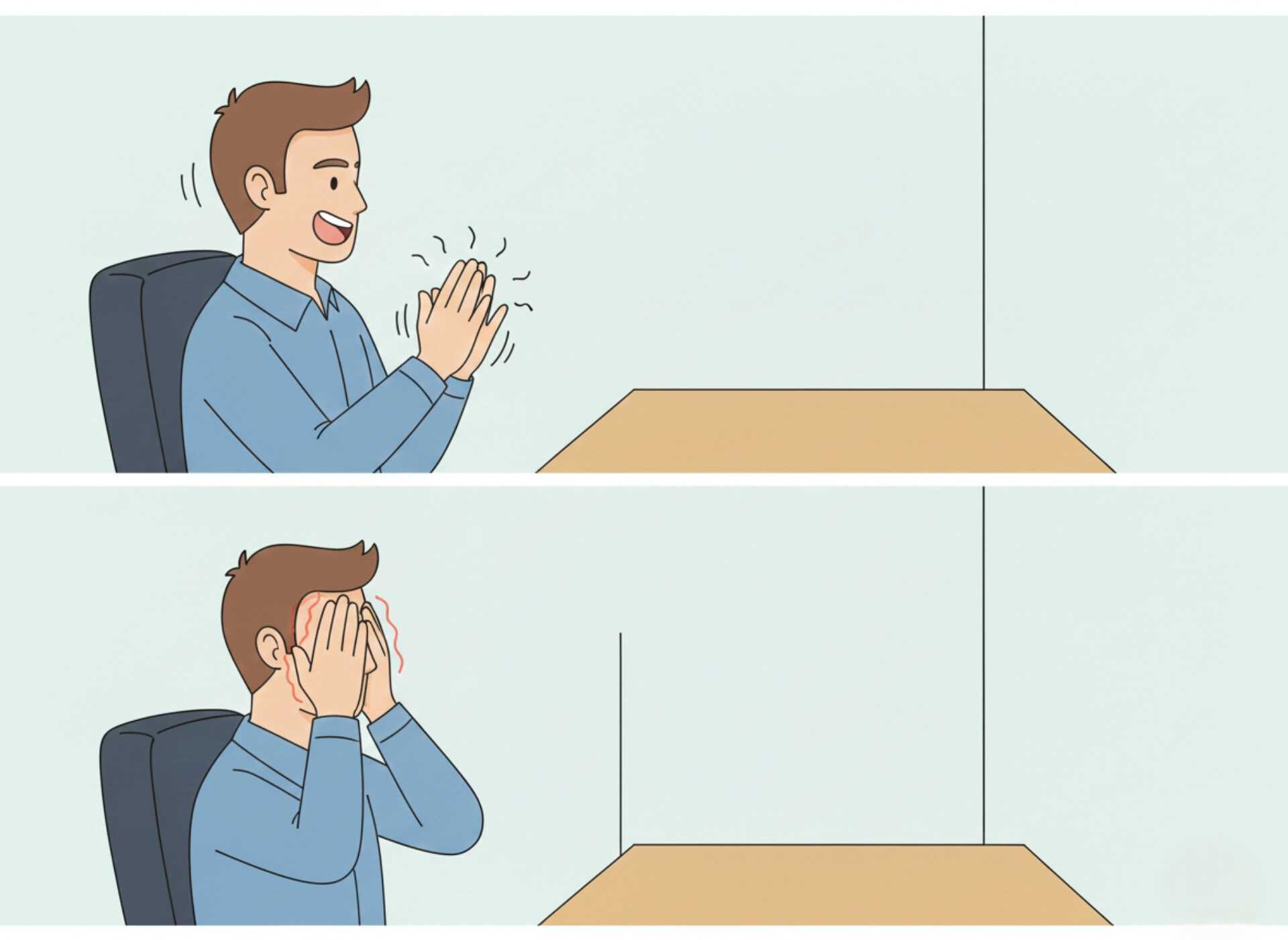
Palming Relaxation (15-second cycle)
Rub your hands together for about 8 seconds to warm your palms.
Close your eyes and gently cup your palms over them, without pressing on your eyeballs.
Rest here for about 7 seconds, breathing slowly and noticing the darkness.
Repeat for as long as the timer runs.
Wash your hands first if you wear contact lenses. This is a restful break for your eyes after
long stretches of screen time.
Figure Eight Tracing
Sit about an arm's length from your screen and keep your head still.
Follow the moving dot with your eyes as it traces a big, sideways figure eight.
Keep your breathing relaxed and blink whenever you need to.
Move only your eyes, not your head. Stop if the movement makes you dizzy.
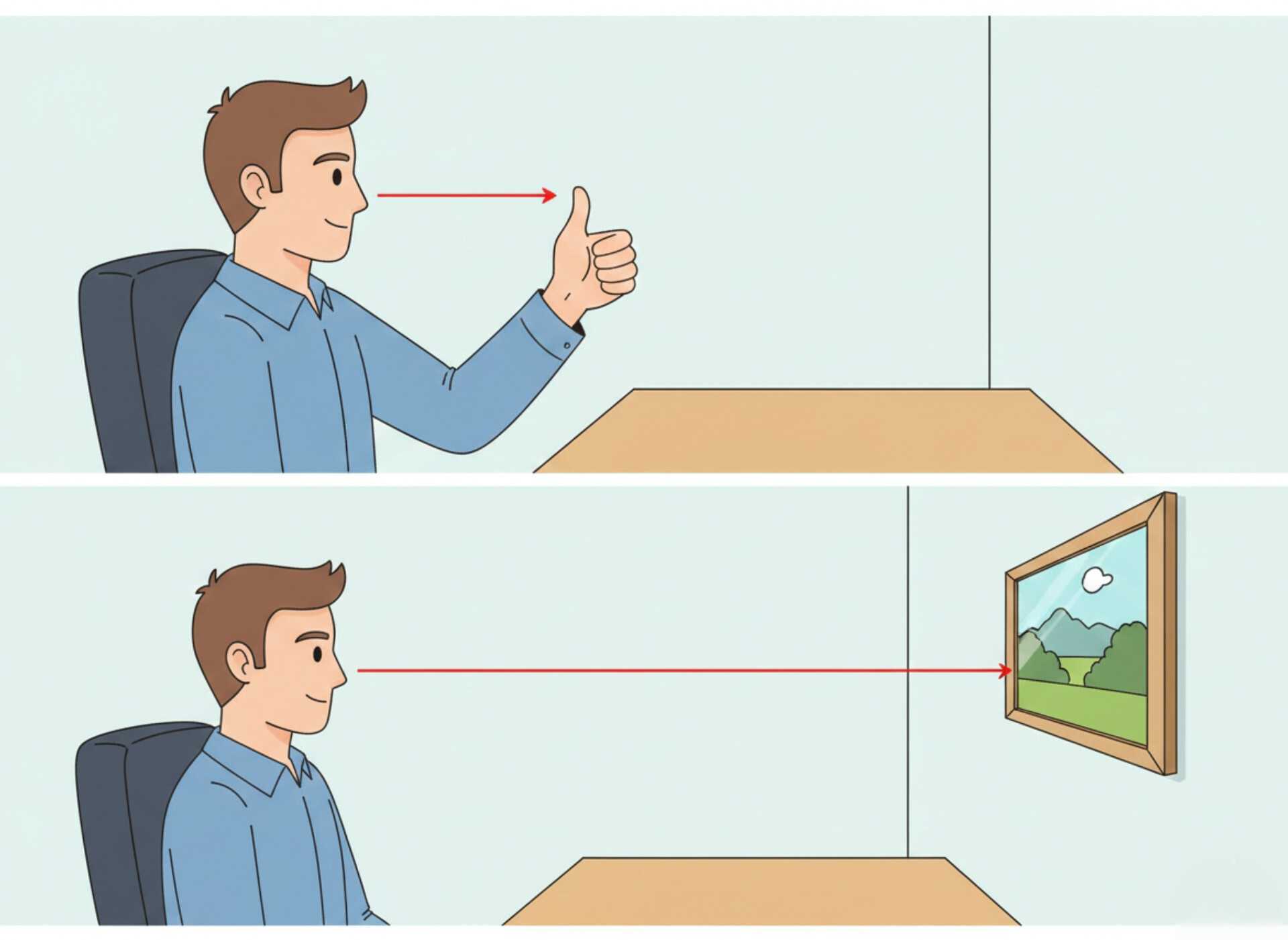
Near-Far Focus (20-second cycle)
Look at something far away, such as a window view or the far side of the room, for 10
seconds.
Shift your focus to something close, such as your thumb or a pen held at arm's length, for
10 seconds.
Repeat while the timer runs.
A good fit with the 20-20-20 rule: every 20 minutes, look at something about 20 feet (6 meters)
away for 20 seconds.
Directional Movements
Keep your head still and follow the dot with your eyes only.
The dot moves to each corner of the box and pauses there.
Look at it comfortably without straining. Blink normally.
Keep the movements smooth and easy. If your eyes feel strained, close them for a moment and
rest.
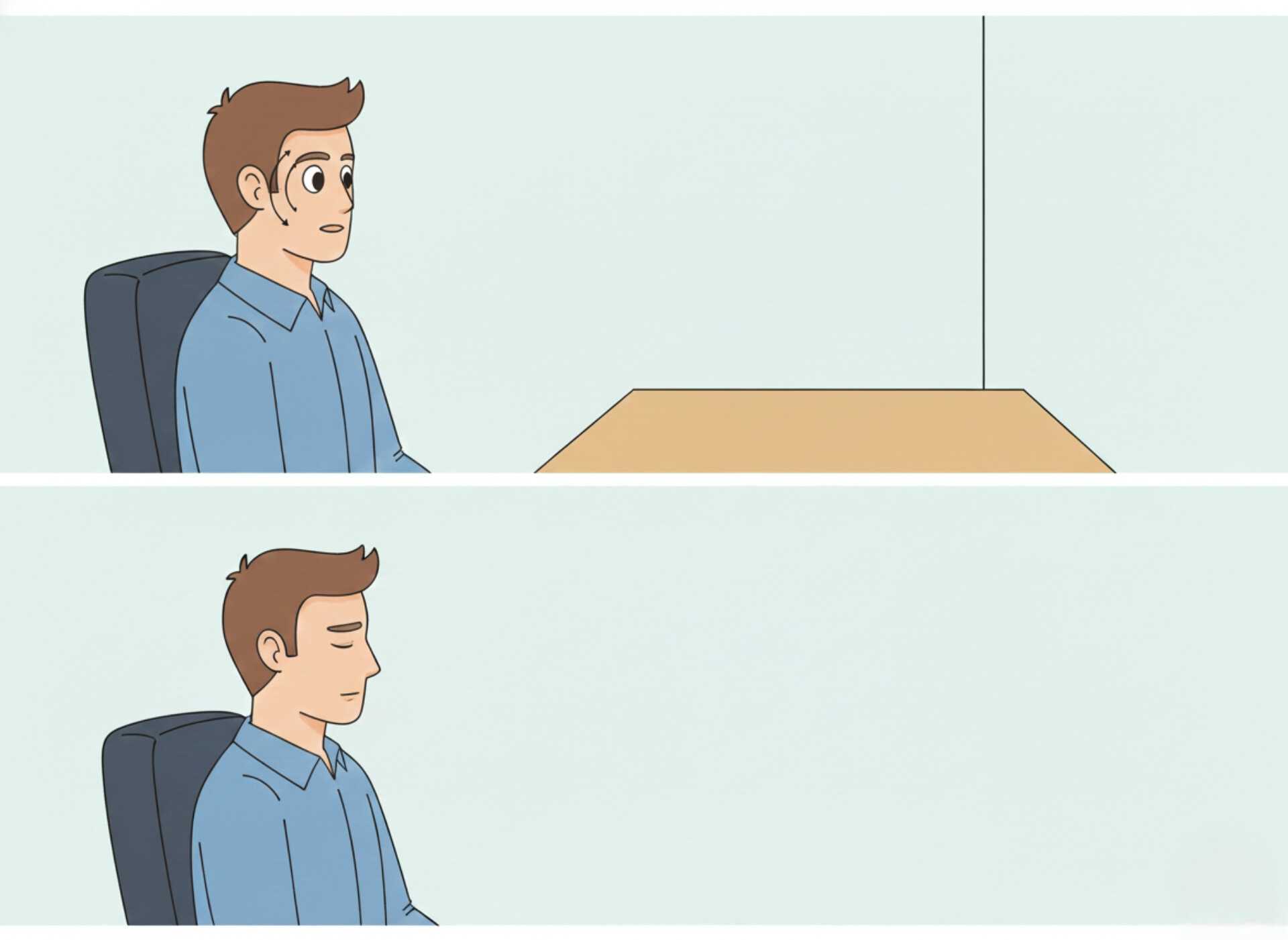
Blinking Exercise (10-second cycle)
Close your eyes gently for about 4 seconds.
Open your eyes and blink normally for about 6 seconds.
Repeat while the timer runs.
Screen use often makes us blink less, so a few complete blinks can help your eyes feel more
comfortable.
Zooming Exercise
Watch the circle grow and shrink around the center dot.
Follow its edge with your eyes as it expands and contracts, one cycle about every 6
seconds.
Breathe slowly and blink naturally.
A gentle way to vary your focus and give your eyes a change from static text.
Which Eye Exercise Should I Try?
Eyes feel dry or gritty? Try the blinking exercise.
Eyes feel tired after a long day? Try palming.
Staring at one distance for hours? Try near-far focus.
Want a screen-based break? Try figure eight tracing, directional movements or
the zooming exercise.
Only have 30 seconds? Pick any exercise and choose the 30-second session.
Eye Exercise FAQ
What is the 20-20-20 rule?
Every 20 minutes, look at something about 20 feet (6 meters) away for 20 seconds. It's a simple
habit that gives your eyes a break from close-up screen work, and the near-far focus exercise
follows the same idea.
How often should I do eye exercises at work?
There's no single right schedule. Many people find it helpful to take a short eye break every 20
to 30 minutes, or whenever their eyes feel tired. Even a 30-second exercise counts.
Do eye exercises improve my eyesight?
These exercises are meant to give your eyes a rest and help with the discomfort of long screen
use. They are not a treatment for vision problems and don't replace glasses or an eye exam.
Can I do these with glasses or contact lenses?
Yes. You can keep your glasses on for the screen-based exercises. For palming, you can take your
glasses off, and if you wear contact lenses, make sure your hands are clean first.
Why do my eyes get tired from screens?
People tend to blink less while focusing on a screen, and staring at one distance for a long
time can tire your eyes. Regular breaks, good lighting and a comfortable screen distance can all
help. If symptoms are frequent or severe, see an eye care professional.
Do I need an account or to download anything?
No. Everything runs in your browser, free, with no account. Voice guidance is optional.
Safety Notes
Stop if you feel eye pain, dizziness or nausea. Never press on your eyeballs.
If you have an eye condition or have had eye surgery, check with your eye doctor before trying
new eye exercises.
If your eyes feel uncomfortable often, or you notice changes in your vision, see an eye care
professional. These exercises are not medical advice. See the
disclaimer.
More Quick Work Breaks
Desk stretchesSix easy seated stretches for neck,
shoulders and wrists